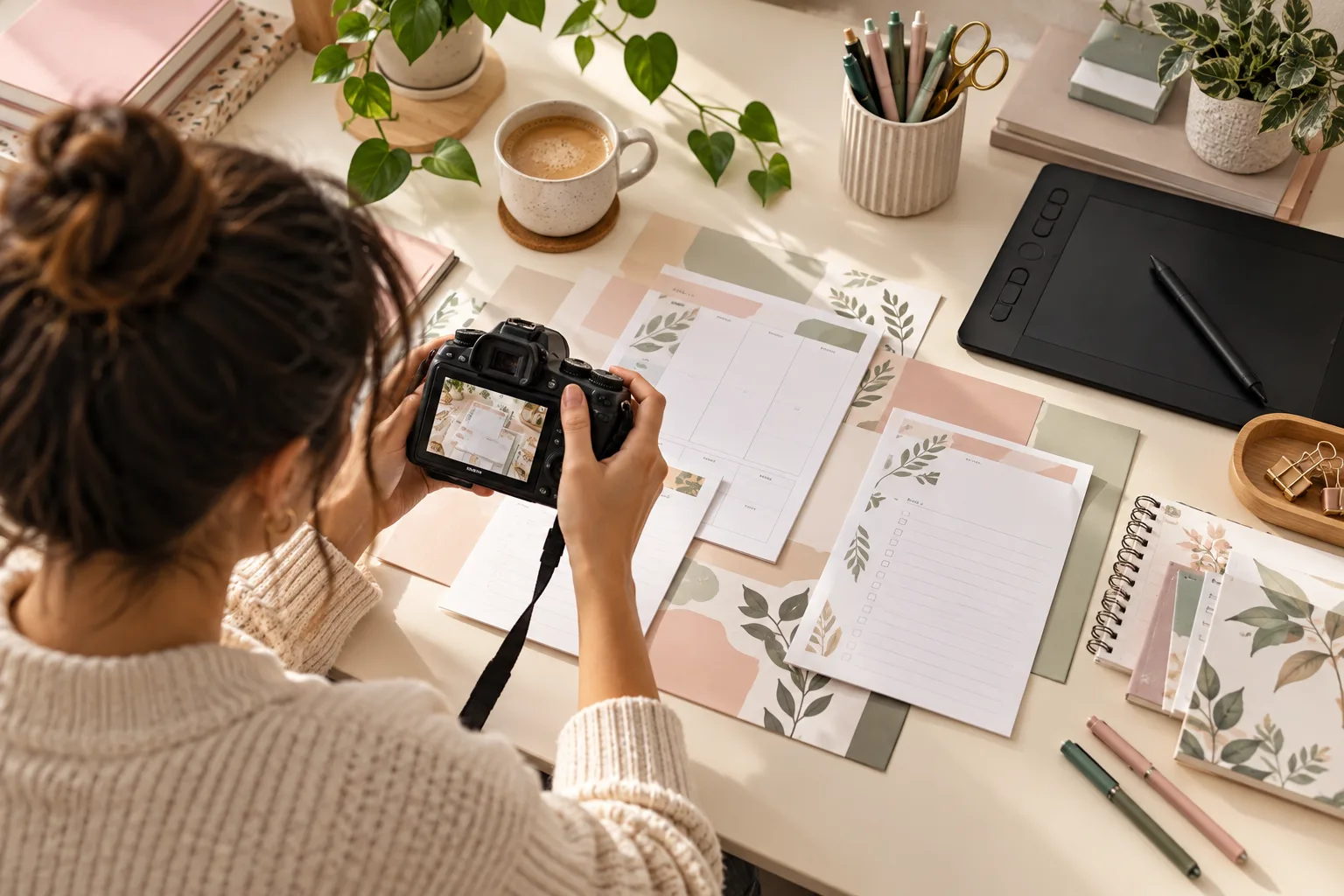
Canva is a design tool; opening an account on the tool does not generate income. You can think of two different services: delivering a customised ready-made design or an original template package that the customer can customize. Admission to the Canva Creators program is a separate application process.
Template usability is part of the product .
Choose a business type: for example, price list and appointment reminder visuals for hairdressers. Try text fields, color change and mobile editing. Instead of adopting a pre-made Canva template with small changes, create your own layout. Check the license of the photos, fonts and elements you use.
Your first trial: step by step
Make a sample package of three pieces. Ask someone who doesn't know the design to edit the template; add any steps they get stuck with in the usage note.
- Determine the dimensions and target area of use.
- Explain the free and paid item requirements.
- Test short use case with edit link.
Costs and pricing
Add to the price not only the drawing time, but also the user manual, customer support and correction. For example, six hours of production plus two hours of support make eight hours. Add the tools subscription to the cost of work. The fact that you have original design work does not mean you acquire all the rights to the third-party items you use.
Before publishing or applying
Read Canva's current license text for terms specifically applicable to templates and Pro content. Do not resell stock elements on their own. Write down what files you're giving to the client, the commercial use limit and how the template link is accessed.